
Find a partner
Sub-contractor, supplier or joint-bid partner: where to find them on a given tender, how to request an introduction, and how to be found.
A tender sometimes asks for what your company does not have alone: an approval, equipment, a whole lot to supply. Here is how to find the sub-contractor, supplier or joint-bid partner that completes you, and how to be found in turn.
Search the directory
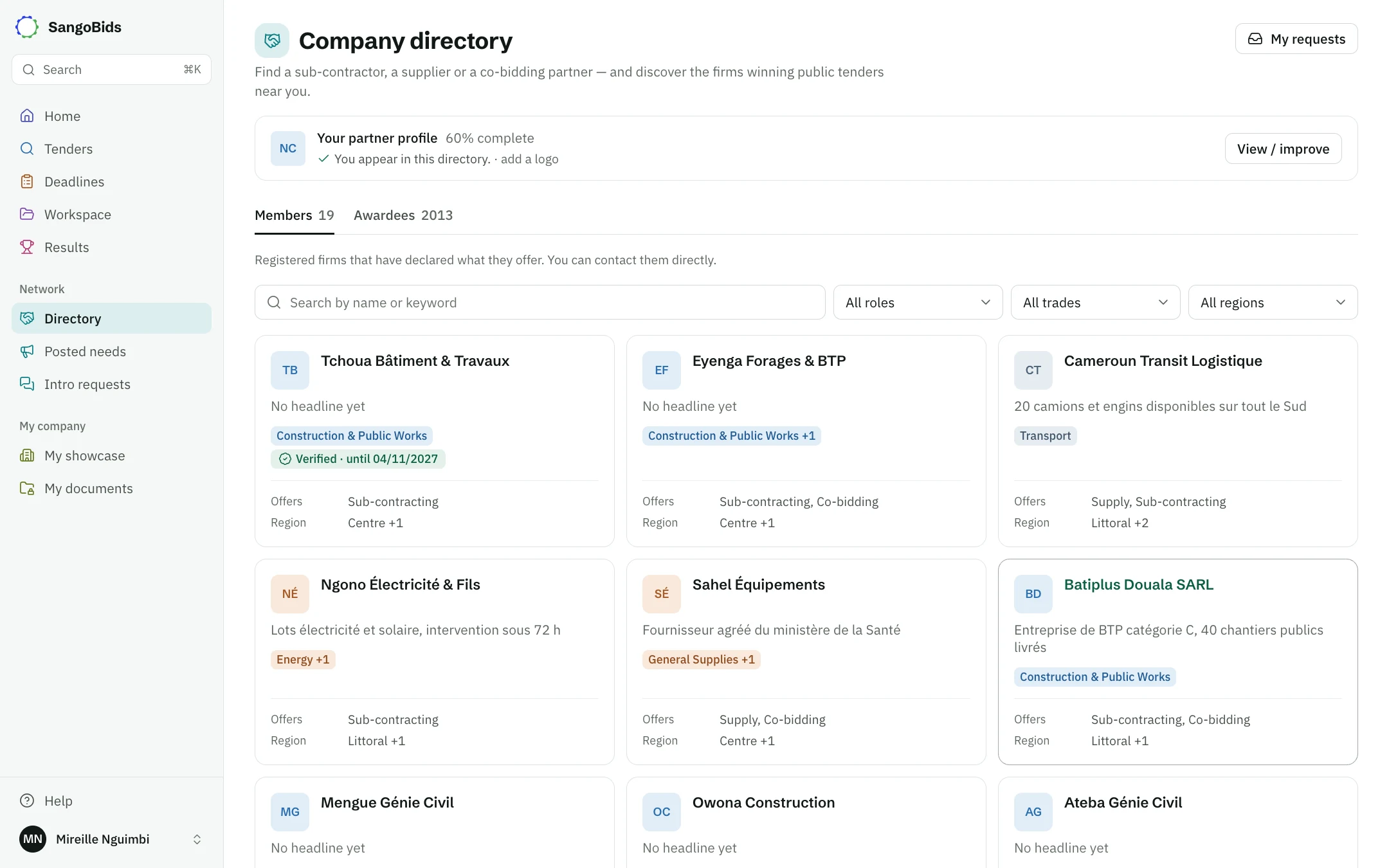
Open Directory in the Network menu (the Network tab on a phone). Two tabs:
- Members: registered companies that said what they offer. You can contact them.
- Awardees: companies known from award notices. They are not registered: you see their contracts, but cannot contact them.
Filter members by Role (sub-contracting, supply, co-bidding), Trade and Region.
Computer
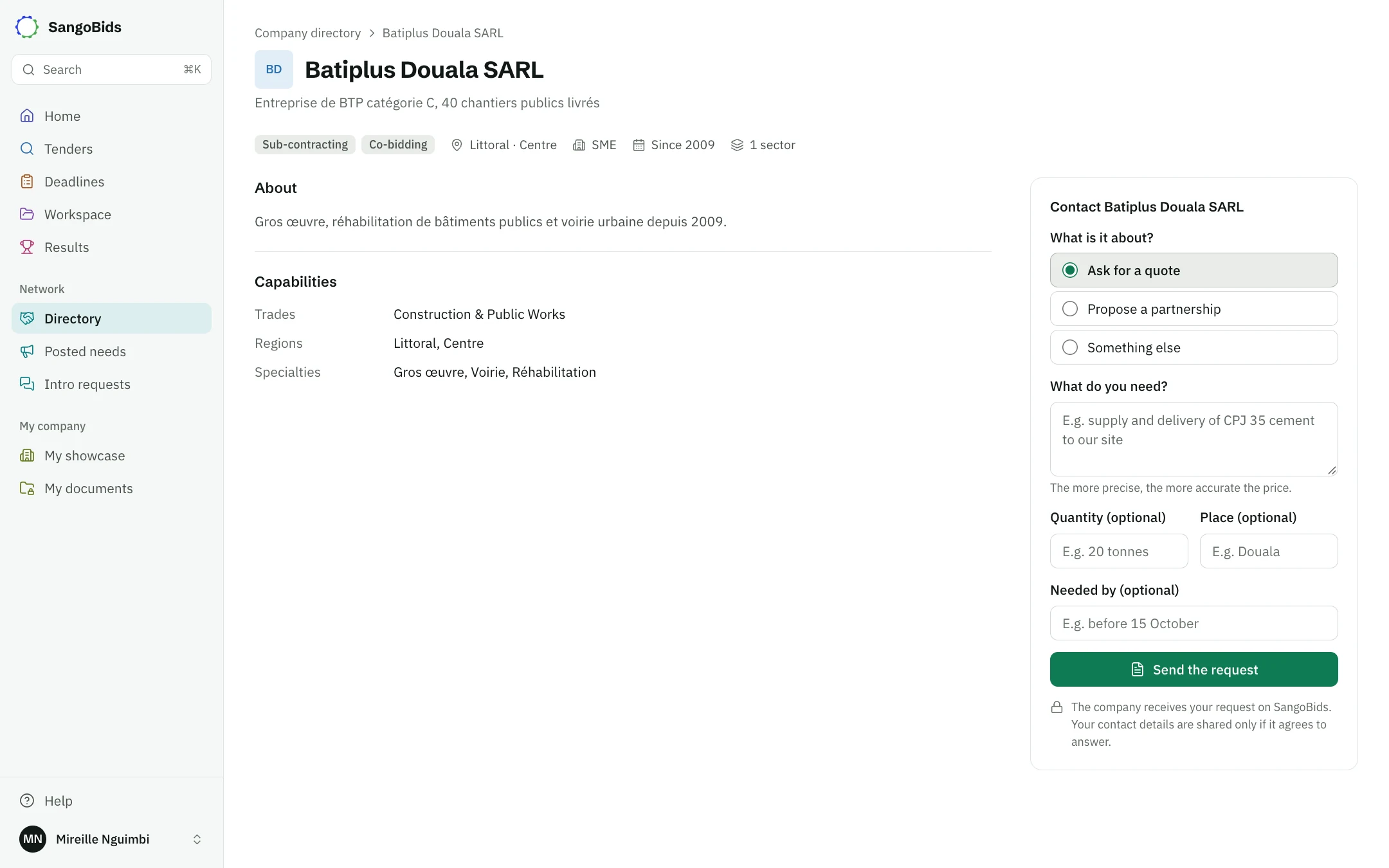
Each profile shows what the company does, its regions, its skills and its references. Complete file means its essential documents are filed and up to date; SangoBids has not checked them.
Computer
Request an introduction
Pick the reason
On the profile, the contact card offers Ask for a quote, Propose a partnership or Something else. On a phone, Request an introduction takes you there.
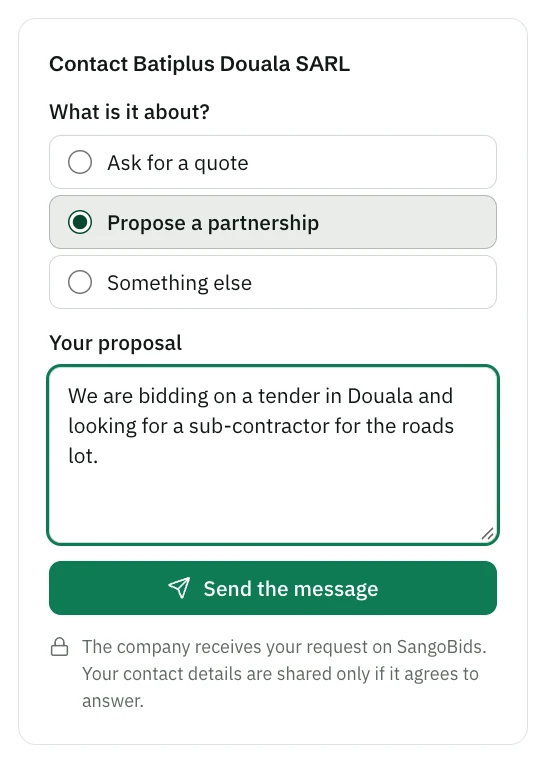
Write one precise sentence
Say which tender or lot you are looking for, then tap Send the message (Send the request for a quote).
The company decides
It is notified, then reminded. With no answer after seven days the request expires and you can send a new one.
It accepts: you talk
Messages open and each side sees the other's contact details. Continue on WhatsApp carries the conversation there.
Computer
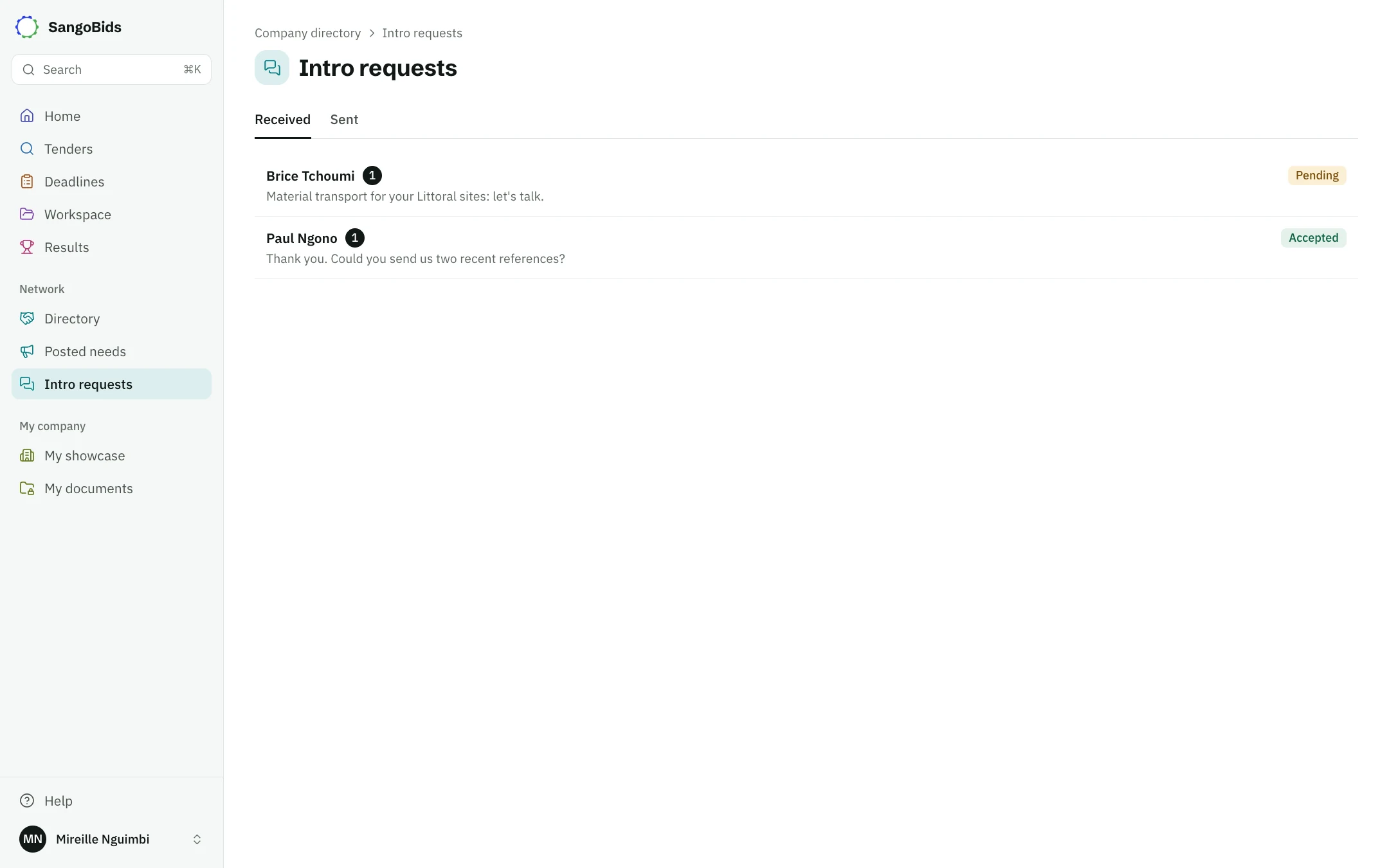
Everything is in Intro requests, under the Received and Sent tabs. For a request you receive: Accept or Decline.
Computer
On a specific tender
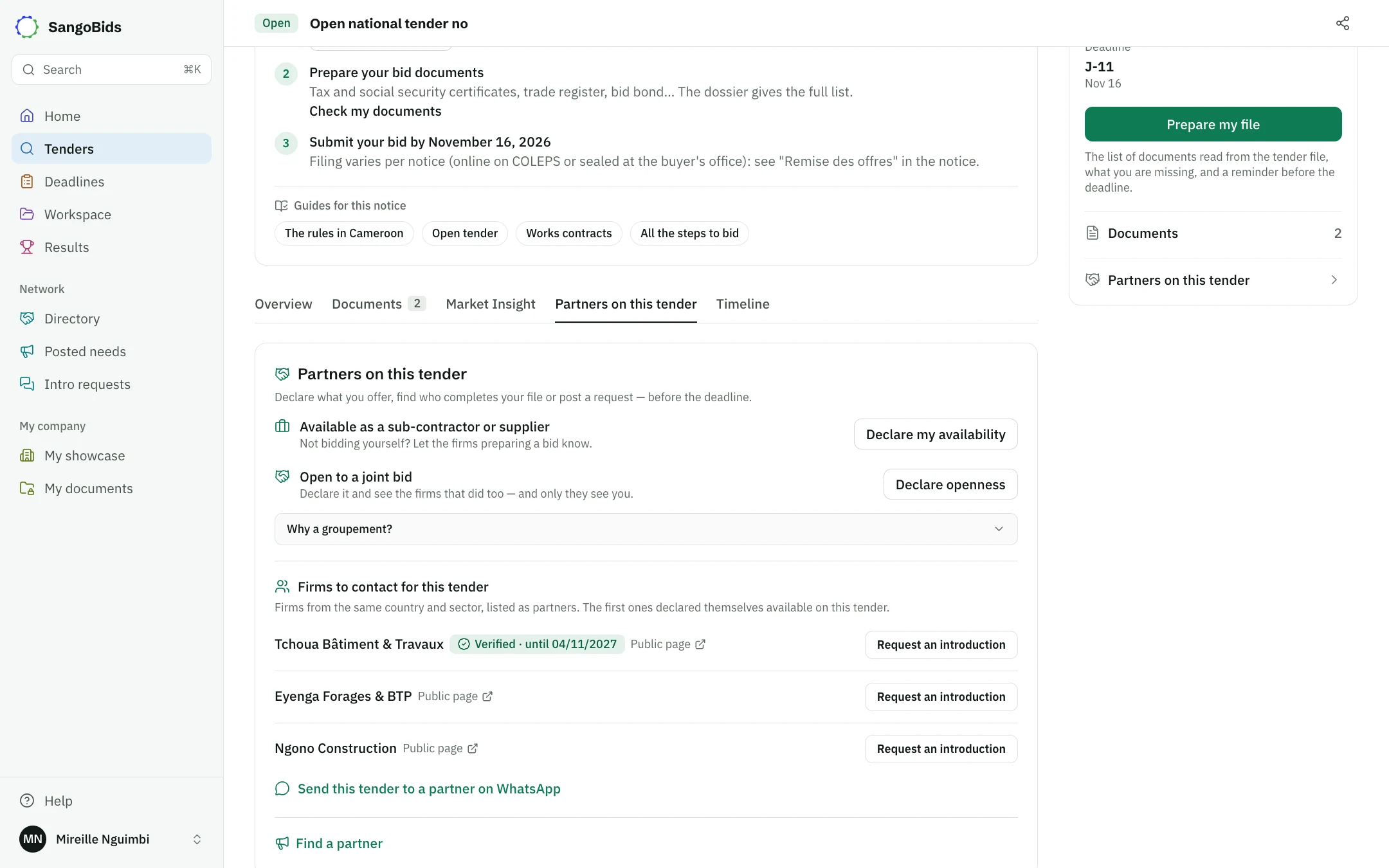
A tender page has a Partners on this tender tab. It offers:
- Declare my availability: you are not bidding yourself and can sub-contract or supply. Add an optional line, and companies preparing a bid see you.
- Declare openness: you are looking for a joint bid. Only companies that also declared see you, and you see them.
- Firms to contact for this tender: those in your country and sector, starting with the ones that declared themselves available.
Computer
Be found
The directory only lists companies that declared what they offer. In My showcase, Profile tab, tick at least one box under What we offer and write your headline.
What the network does not do
SangoBids introduces companies; it does not vouch for them, and no profile is verified by us. Ask your partner for their trade register and certificates, and read Joint bids and sub-contracting before committing.
Next
Looking for several companies at once? Post a need. To present your own, create My showcase.
Read next
- My documents: the administrative fileThe documents your country requires, in one place: added once, dated automatically, recalled before expiry, and compared with every tender.
- The Go/No-Go verdictKnow in two minutes whether a tender is worth a week of work: the verdict, its reasons and the documents you are missing.
Ready to try?
The account is free and public tenders stay free. Three minutes is enough to receive the first ones.
Get started free